01 / CHOOSE
Build your start
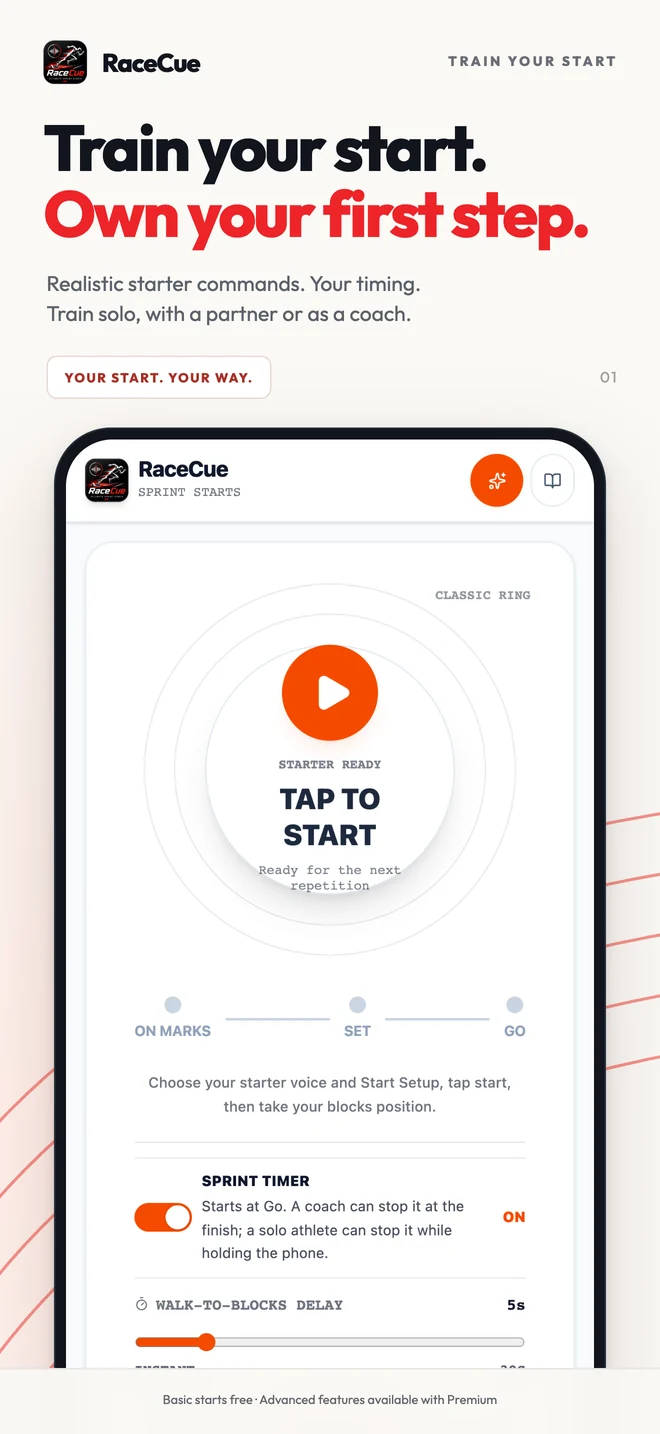
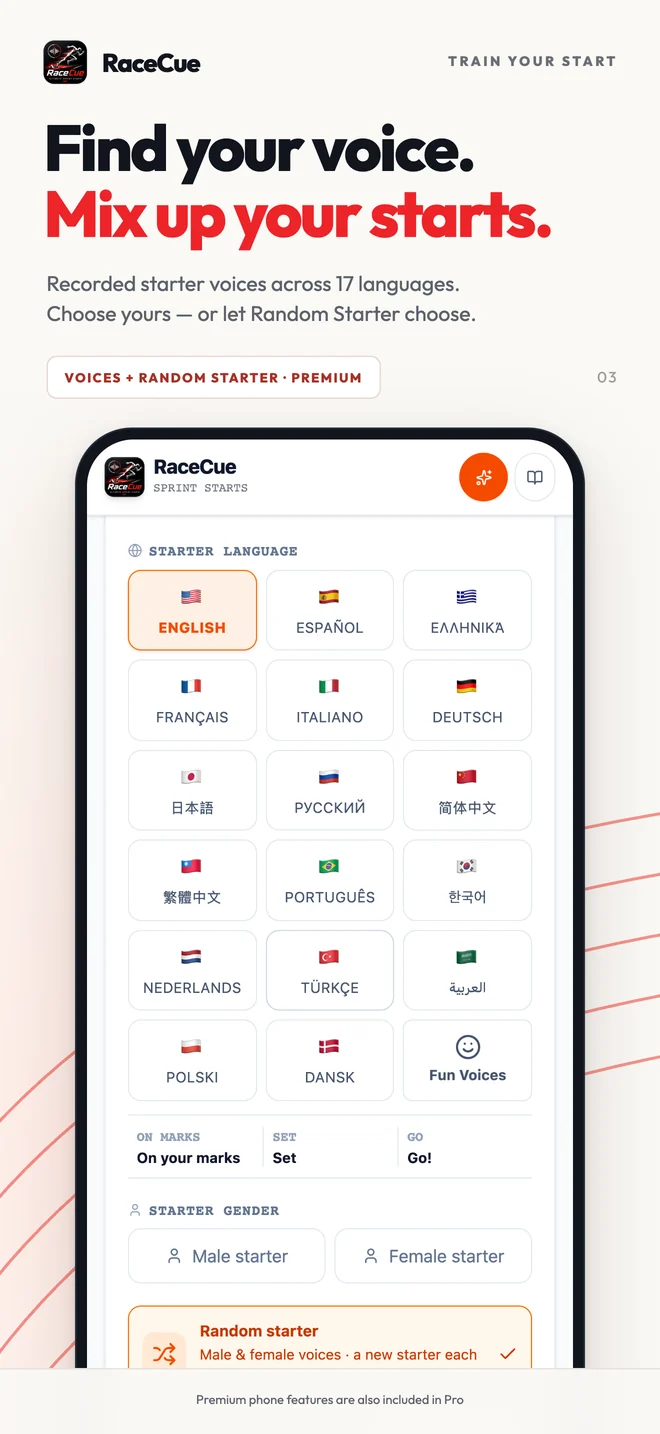
Select the starter voice and language, timing ranges, walk-to-blocks delay, start signal, and optional competition pressure.
 RaceCue
Built by a coach and athlete, for coaches and athletes
Advanced start training. In your pocket. On your wrist. Realistic starter voices, varied timing, Historic Finals, camera tools and competition pressure. Now taking the next step on Apple Watch with RaceCue Pro.
Apple Watch · RaceCue ProApple Watch support is available now for iPhone with RaceCue Pro.
Available now on iPhone and Android
APPLE WATCH · RACECUE PRO
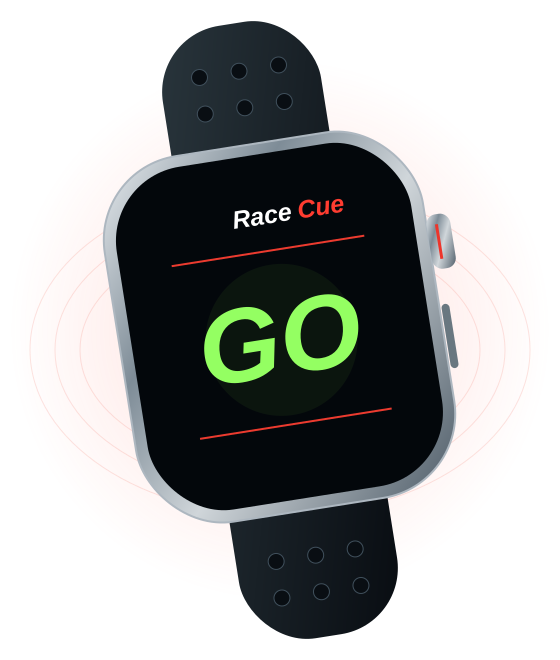
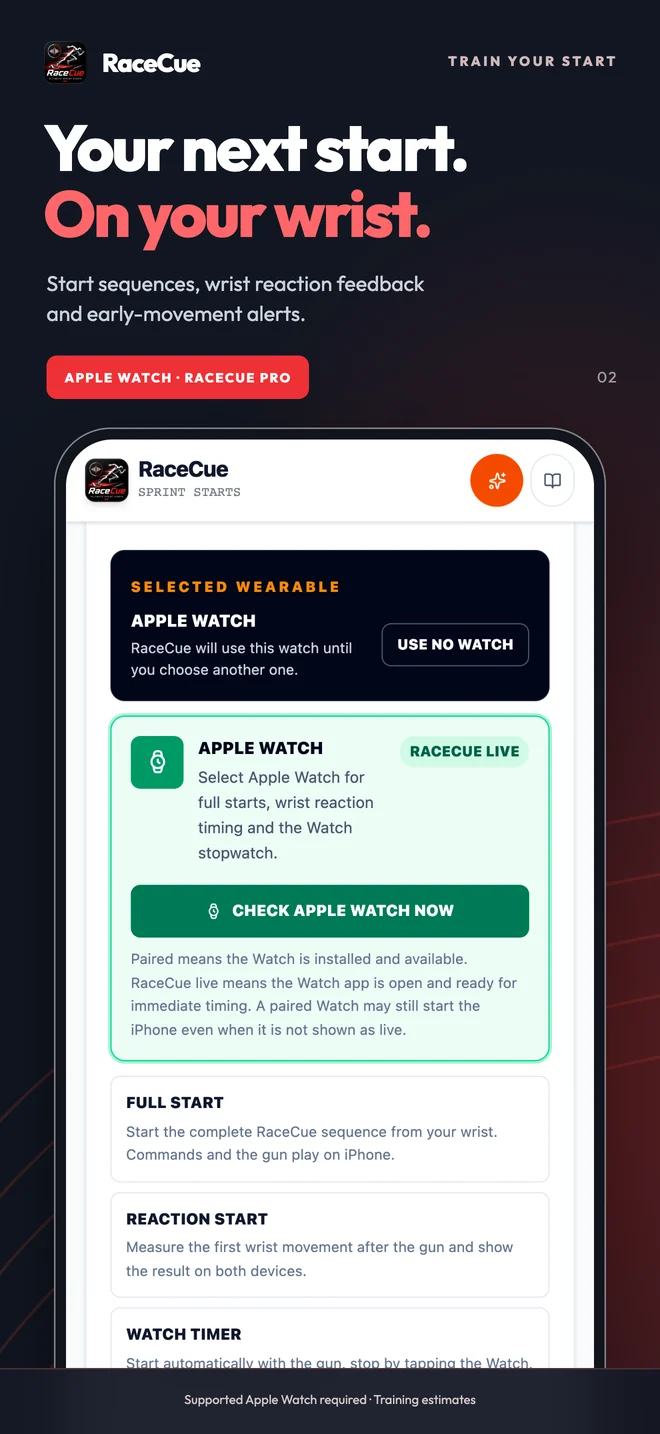
Start from Apple Watch. Get wrist-movement reaction feedback, early-movement alerts and a stopwatch that starts with the gun.
Independent starts use distinct Marks, Set and Go tones.
Explore ProApple Watch support is available now for iPhone with RaceCue Pro.
Apple Watch requires a paired iPhone and Pro or an active training trial. Reaction feedback is a training estimate.
 RaceCue Pro
01 / START POSITION
After On Your Marks, move into the blocks, place your hands, set your feet and become still. RaceCue waits for the selected On Your Marks-to-Set interval before giving Set. Use fixed timing to repeat the same rhythm, or Premium random timing to stop athletes predicting the command.
How it works
RaceCue guides the sequence from preparation to review, whether you are training alone or running starts for a group.
01 / CHOOSE
Select the starter voice and language, timing ranges, walk-to-blocks delay, start signal, and optional competition pressure.
02 / POSITION
Leave it beside the blocks for audio, secure it for movement practice, or mount it side-on for camera Start Detection or Start Video.
03 / RUN + REVIEW
Follow On Your Marks, Set and Go, then review reaction estimates, video, sprint times, notes, and session progress.
Historic Finals
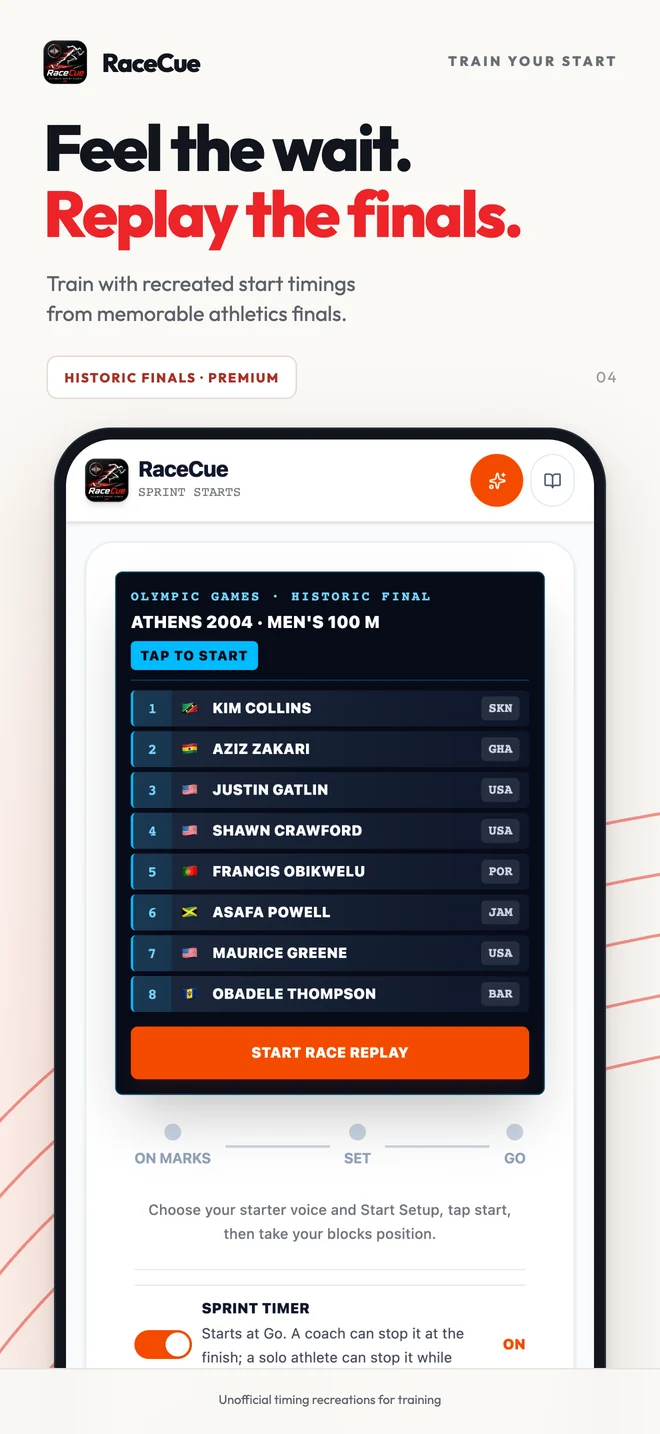
Practise with the command timing of Olympic and World Championship finals. Meet the athletes in their lanes, follow the starter, then reveal the complete official results row by row.
01
Browse the collection from your start preset. Athens 2004, London 2012, Budapest 2023 and more.
02
Recreate the measured On Your Marks-to-Set interval and Set hold. Athens 2004 uses a Greek starter; the other finals use English.
03
See every athlete’s official finishing result, revealed one row at a time. Your optional sprint timer remains visible beneath the results.
Timing recreations are based on observed race footage. Athlete lineups and results are checked against official records.
Try Historic Finals with your free Premium trialRace pressure & sounds · Premium + Pro
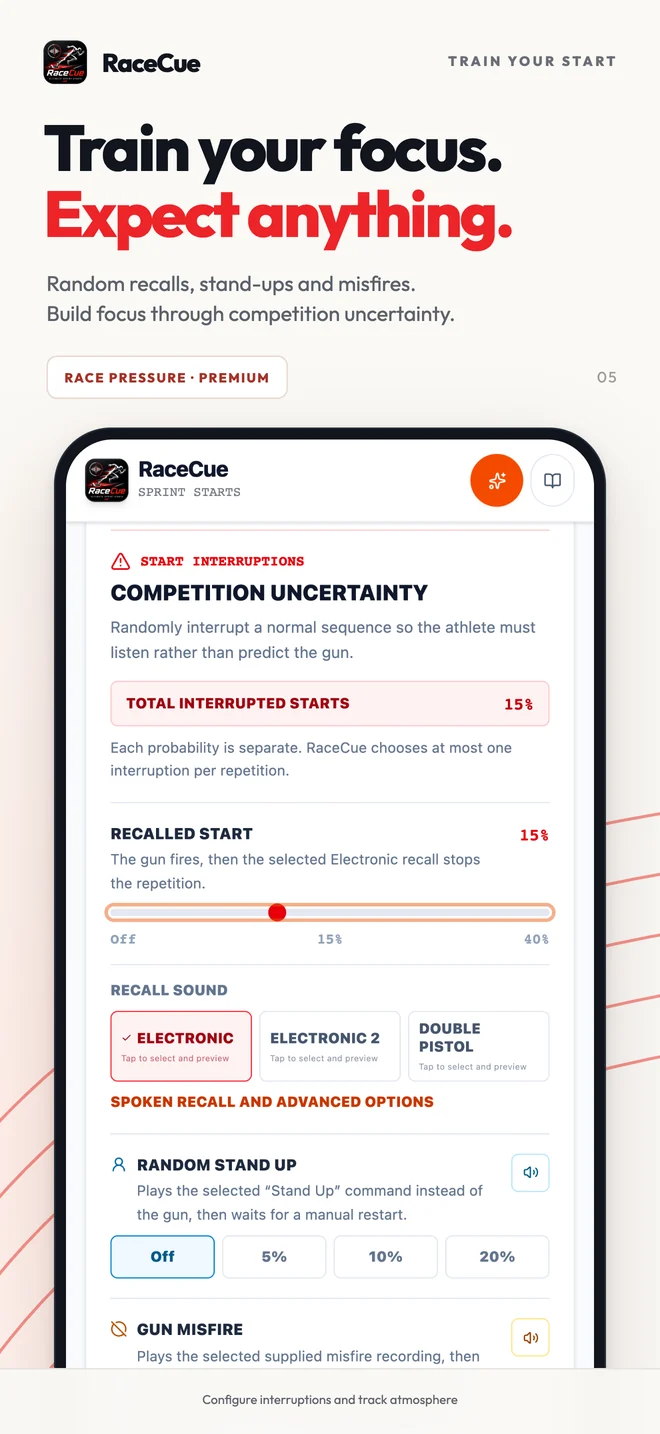
The unexpected is hard to rehearse with a predictable start. Practise holding your focus through changing Set delays, recalled starts and interruptions, with a race-day soundscape you control.
Choose how often a start is recalled, the starter says Stand Up, or the gun misfires. Settle again and wait for the actual signal instead of guessing the gun.
Choose starter voices and languages, recorded pistol sounds or a hand clap. Add stadium atmosphere and trackside distractions with separate controls; starter commands and the gun take audio priority.
Pressure and sound customisation are included in Premium and Pro. Simulated recalls are separate from early-movement feedback using prepared camera detection (Premium) or a supported Apple Watch (Pro).
Inside RaceCue
Swipe through the main RaceCue tools. Every screen is designed to remain readable beside the track and keep the next action clear.
Swipe to explore
Train the response to GO
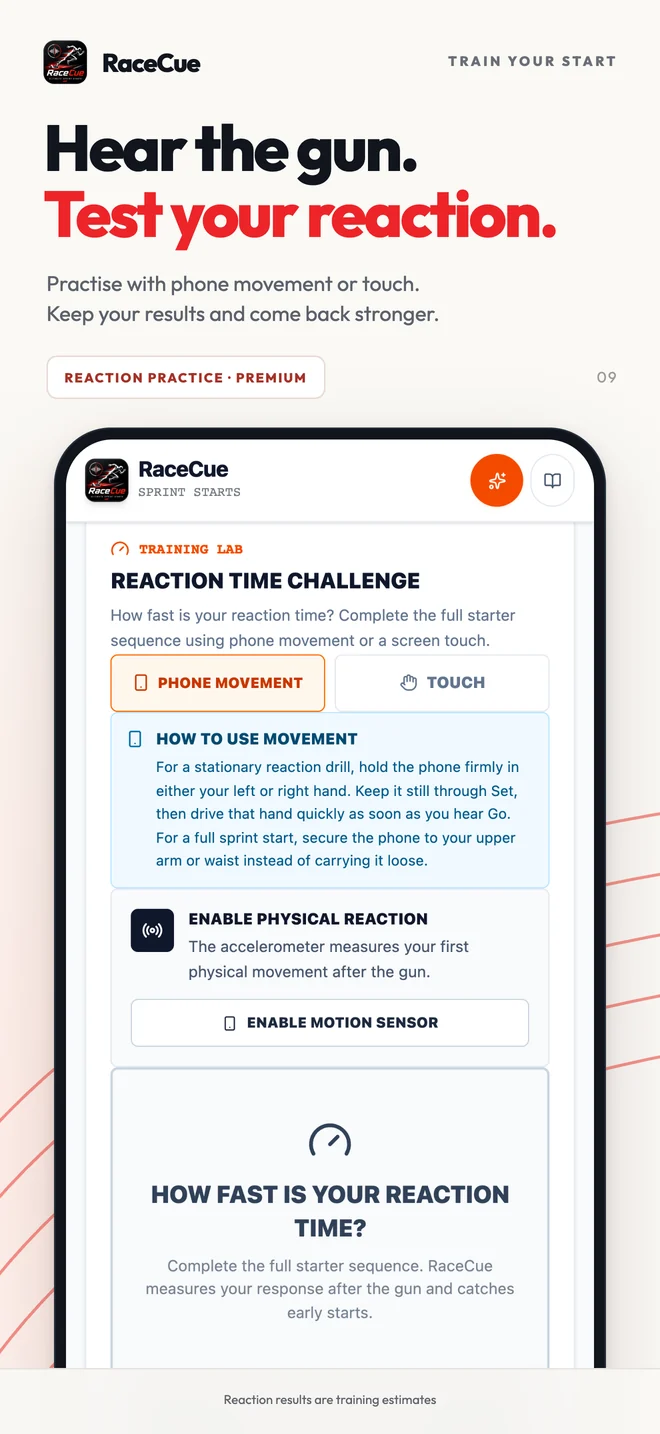
RaceCue gives every repetition a clear sequence, then estimates first movement through phone motion, touch, a mounted camera or supported Apple Watch. Recent results make it easier to practise responding quickly without anticipating the signal.
Reaction & Tools
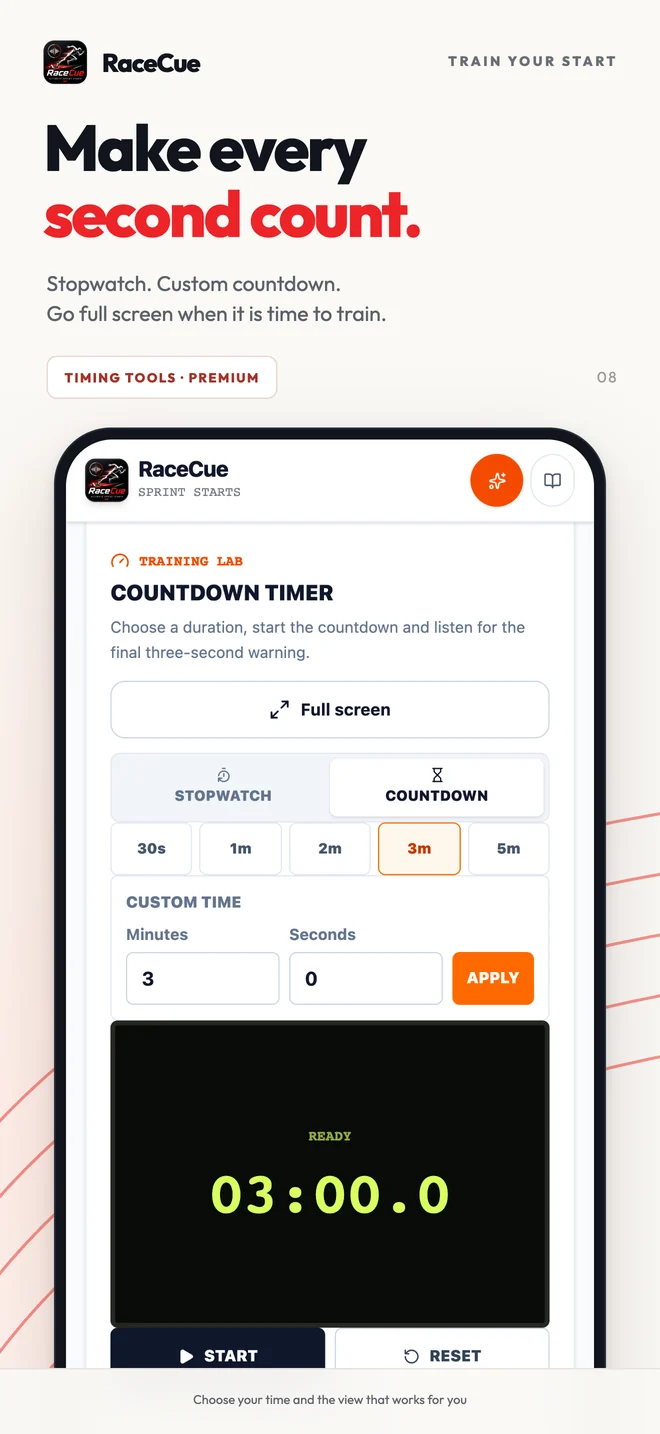
Reaction has its own space. The Tools tab brings the stopwatch and custom countdown together for warm-ups, recovery and coach timing.
Training Setups
One athlete or a whole training group. Choose the equipment you have and see how to use it.
Keep the phone with the coach and put a Bluetooth speaker near the athlete. Enable Sprint timer, start the sequence, then tap Stop Timer at the finish. The app timer starts at Go; the finish is stopped manually. Bluetooth audio delay varies.
Leave the phone near the athlete, with its rear light facing the coach. In Start settings, choose Flash at Start or Light Off at Start. Start your own stopwatch when the light flashes or goes out, then stop it at the finish. Preview visibility first; stop camera detection or recording before using the rear torch.
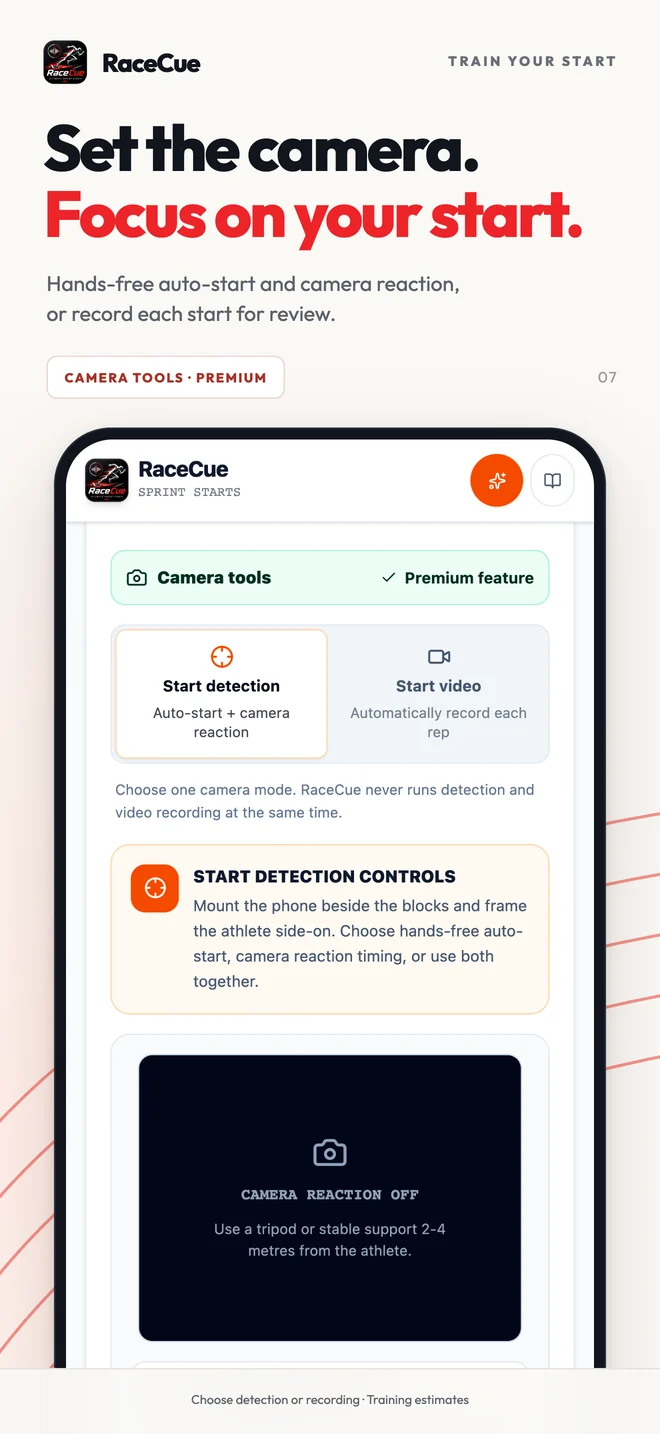
Start Detection can recognise the athlete moving into position and optionally estimate reaction from the camera. Start Video records each repetition instead. Choose front or rear camera; RaceCue only activates the mode you explicitly prepare.
Start from Apple Watch. Get wrist-movement reaction feedback, early-movement alerts and a stopwatch that starts with the gun. Independent starts use distinct Marks, Set and Go tones. Apple Watch requires a paired iPhone and Pro or an active training trial. Reaction feedback is a training estimate.
Use Reaction Practice with touch or phone movement for quick drills, then review recent attempts. The Stopwatch provides a separate manual timing tool for coaches and general sprint sessions.
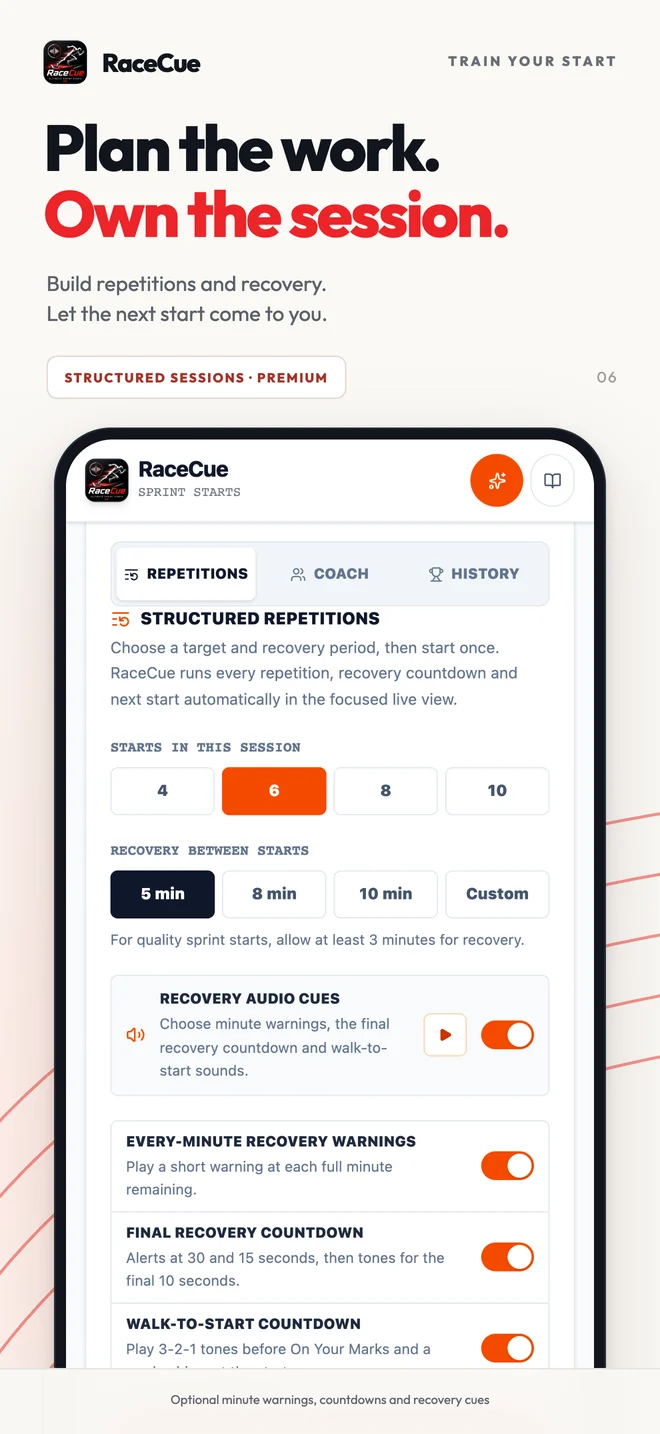
Run structured solo or coach sessions with planned repetitions and recovery. Session history keeps reactions, sprint times, false starts, videos and pressure settings together for review.
Start free. Add more when it helps.
One 90-minute trial session. Practise as many starts as you like during that time. No card and no subscription. The core starter stays free after your trial.
WEAR OS · GARMIN
Wear OS and Garmin are next. In testing — follow RaceCue for release news.
RaceCue 1.3 · iPhone · Pro
Android
Connect IQ
Sprint start training guides
Practical guidance for athletes training alone and coaches running repeatable start sessions.
App guide
See what RaceCue does, how to set it up at the track and where phone-based training estimates have limits.
Explore the sprint start appTraining guide
Build a useful start session around consistent setup, realistic commands, full recovery and simple review.
Read the start-training guideReaction guide
Understand what reaction drills measure, avoid anticipating the signal and interpret phone results honestly.
Read the reaction guideGood to know
With RaceCue 1.3 on your paired iPhone and Watch, open RaceCue on both devices, choose Apple Watch under Wearables and enable wrist-movement reaction feedback if you want it. Watch training requires Pro or an active training trial. Phone-start commands play on iPhone; independent Watch starts use distinct tones. Apple Watch support is available now with Pro.
Phone Premium keeps your existing phone features. To add Apple Watch, choose monthly Pro, full Pro once, or the separate one-off Premium-to-Pro upgrade. Monthly Pro includes Premium and renews until cancelled. If it expires, any phone Premium you bought separately remains yours.
Wear OS and Garmin are in testing for later releases. Two-phone Photo Finish is also in private testing and is not part of this Apple Watch launch. Explore the Photo Finish preview.
Yes. Starter audio, training tools, and local session history are designed to work without an internet connection. Buying or restoring Premium still requires the relevant App Store or Google Play service.
For audio-only starts, place it safely beside and clear of the blocks. Secure the phone when using movement practice, and use a stable side-on mount for camera tools.
No. RaceCue provides useful training measurements and estimates, not certified competition or photo-finish timing.
Yes. A speaker positioned near the athletes can make commands easier to hear while a coach observes from farther down the track. Bluetooth delay can vary by device.
RaceCue does not require an account. Camera, motion, and training information are processed or stored locally as described in the Privacy Policy.
Private by design
The RaceCue app does not require an account and uses no advertising or analytics SDK. Camera frames, start-video previews, voice recordings, motion readings, and training history are handled locally. This website uses optional, consent-based analytics.
Read the Privacy PolicyDownload RaceCue
Available on iPhone and Android. Apple Watch support is available now for iPhone with Pro.