What does Apple Watch add to sprint-start training?
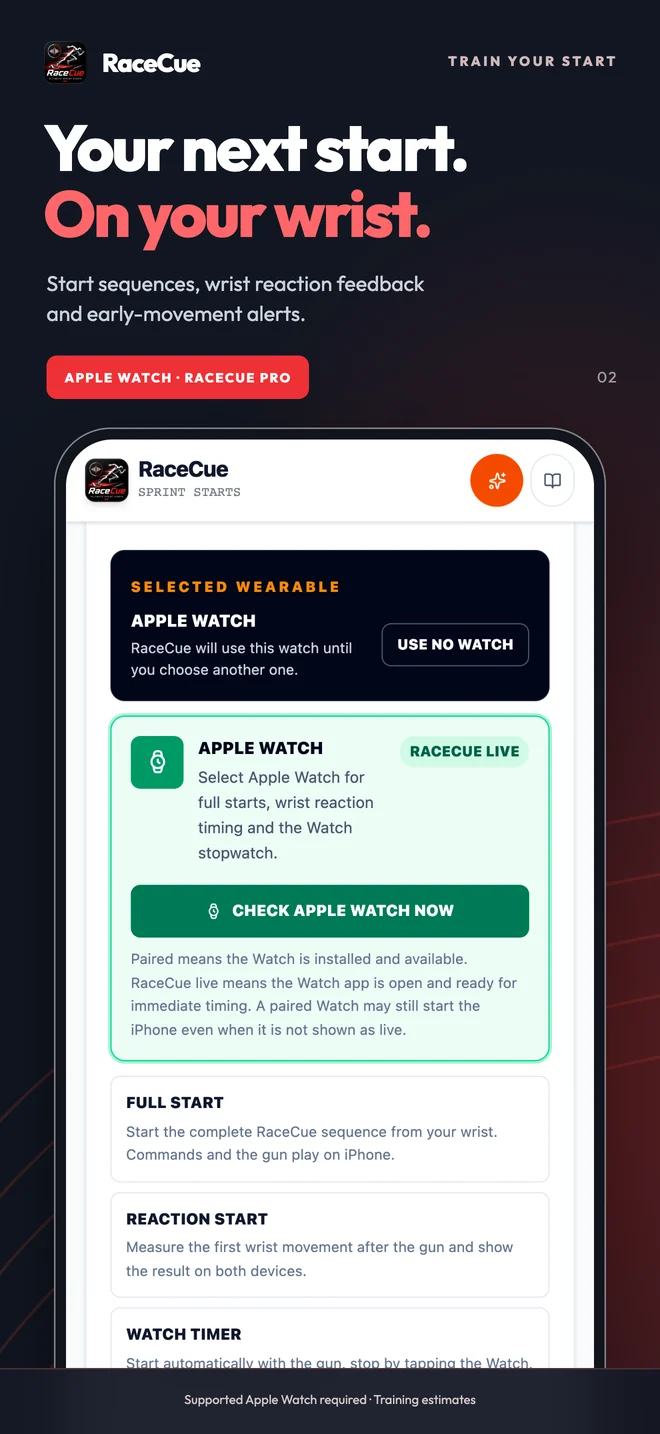
Start your complete RaceCue sequence from your wrist, put the phone in a safe position beside the blocks and settle into your start. The selected starter commands and gun play on iPhone. With wrist reaction enabled, the Watch measures movement around the signal and sends training feedback to the phone. The Watch stopwatch can begin at the gun and return your manually stopped time to iPhone.
This adds a practical way to practise without holding the phone or using the camera for wrist feedback. The same phone app brings recorded starter voices, language choices, timing ranges, pressure simulation, Historic Finals and structured sessions.
How to connect RaceCue on iPhone and Apple Watch
- Install the RaceCue update on your paired iPhone and the matching RaceCue companion on Apple Watch.
- Open RaceCue on both devices. On iPhone, open Wearables and select Apple Watch.
- Choose whether to enable wrist-movement reaction feedback and the gun-triggered Watch stopwatch.
- Set your phone start preset, voice, delay and signal. Start from the Watch or iPhone and keep the apps available for the session.
Phone-start commands play on iPhone, so place it where they can be heard. A compatible watch and paired iPhone are required for this connected workflow. If the link is unavailable, check that the apps are open and the companion has updated before retrying.
Wrist reaction feedback and early-movement alerts
Wrist reaction is the time between the starting signal and detected wrist movement. It is different from a screen-tap reaction test, camera-frame detection or the force-based measurement used with competition starting blocks. Use the same method and setup when comparing your training results.
Early-movement alerts help you practise holding still through Set. They are feedback for a training repetition, not an official false-start decision. Small movements, how the Watch is worn and your start technique can affect what is detected. Keep it secure on the same wrist for consistent comparisons.
For quick drills, the Reaction section also offers phone-movement and touch practice. Read the reaction-time training guide to choose a method that fits the drill.
Can RaceCue start independently on Apple Watch?
Yes. Standalone starts use different Marks, Set and Go tones on the Watch. They provide a recognisable sequence away from the phone; they do not reproduce the full recorded starter-voice library on the Watch. Connected Full Start uses the phone’s voice and audio configuration.
The Watch also provides an optional stopwatch. In a connected start it can begin with the gun and be stopped on the Watch. Wrist reaction and run duration are separate measurements: you can use reaction feedback without using the stopwatch. A Watch stop is manual timing, not an automatic finish-line crossing.
Out of phone range: the Watch timer can continue locally after the start. The Start phone cannot display a live stop or new result while the link is unavailable. A stop made on the Watch is queued for later delivery, so its phone update and completion sound may arrive after reconnection. Keep the last result visible and reconnect before starting another test; do not assume delivery will be immediate or treat the phone’s still-running display as a new measurement. Home Wi-Fi is not required for a nearby paired Watch connection.
Is Apple Watch included in Premium or Pro?
Phone Premium keeps the advanced phone features: voices, Historic Finals, camera tools, pressure, sessions and timing tools. Pro includes those Premium features and supported Watch training. Choose monthly Pro or a one-off Pro purchase; an existing Premium owner can use the separate one-off Pro upgrade.
Monthly Pro renews until cancelled. If it expires, a phone Premium purchase you made separately remains yours. The explicit free training session does not enrol you into a subscription automatically. Your store shows the available products, local prices and final terms before purchase. Compare the RaceCue plans.
Make the feedback useful at the track
Keep the equipment, wrist, start position and measurement method consistent. Practise a patient Set hold and a purposeful first step, then review repeatability alongside coaching observation or video. Wrist movement is a training estimate; it is not a certified starting-block reaction system.
Wear OS and Garmin are in testing for later releases. Two-phone finish timing is a separate project: read the Photo Finish preview. It is not included in this Apple Watch public launch.